One Desktop App. Complete Visibility Into Every Workday
Employees check in, take breaks, and track time against real projects and tasks. In the background, the app captures screenshots, activity, and system details automatically, all controlled from the web and searchable through HubAI.


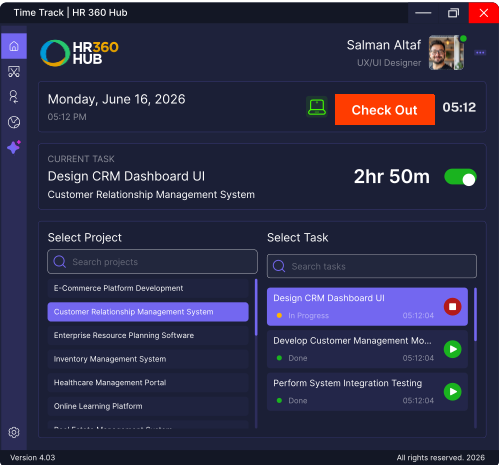
Know Where Your Workday Goes
Accurate time records, wherever your team works from.
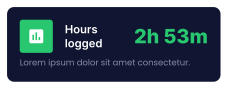
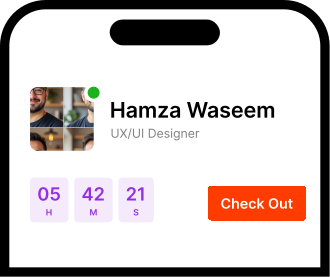
Employees check in, select a project and task, and let the timer run. Breaks are tracked separately, so the hours you see are the hours actually worked.
- Check-in and check-out
- Track time by project and task
- Separate break tracking
- Accurate work-hour records

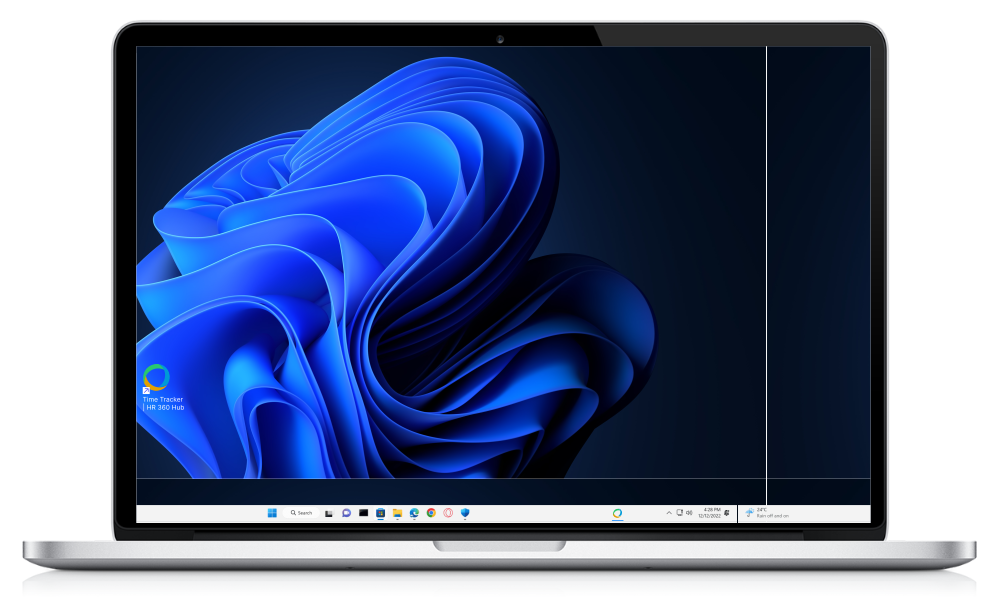
One Time Tracker, Every Platform You Use
Your Complete Desktop Work Tracking Experience
From tracking time and monitoring activity to personalizing your workspace, every part of the experience is designed to make work more visible, organized, and effortless.
Work Smarter. Track Every Minute.
Select a project and task, then start the timer. Everything about your workday lives in one simple, uncluttered workspace.
- Project & task selection
- Active work timer
- Quick workspace access
- Real-time work visibility
 Hub AI
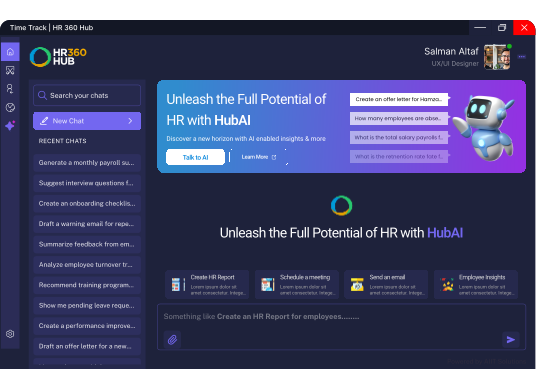
 Ask HubAI About Your Team's Activity
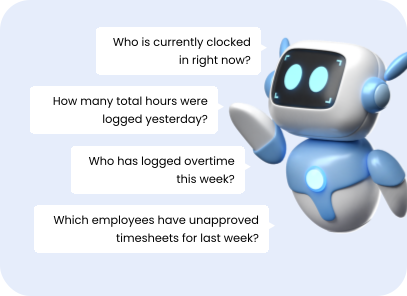
Who went idle the longest today? Show me yesterday's screenshots for Sarah. Just ask, HubAI reads your desktop tracking data and answers in plain language.
|
 HUB AI
Stop Digging Through Logs. Just Ask.
Real answers from your tracking data, in seconds.
HubAI reads every screenshot, session, and activity log your desktop tracker captures. Ask a plain-language question and get a straight answer, instead of exporting reports and scrolling through dashboards.
- Natural language queries
- Answers from screenshots and activity logs
- Instant idle and attendance summaries
- No exports, no manual digging
Frequently Asked Questions
Have more questions?
HR360HUB Desktop Time Tracker is a lightweight background application that automatically records working hours, monitors active application usage, and provides managers with detailed productivity reports.
The Desktop Time Tracker supports Windows, macOS, Linux, and Android, ensuring full coverage across all devices your team uses.
Yes. Employees are notified when tracking is active. Privacy controls allow blurring of sensitive content in screenshots, ensuring compliant and ethical monitoring.
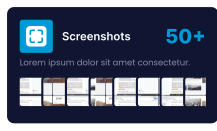
Screenshots are captured at configurable intervals (e.g., every 5 or 10 minutes) and securely stored. Managers can review them from the HR360HUB dashboard.
No. The tracker works offline and syncs all activity data when an internet connection becomes available, so no data is ever lost.
Book a demo Ready for a Smarter HR?
Stop wasting hours on repetitive HR tasks. Let HubAI automate daily operations, generate instant reports, and simplify workforce management from one platform.