Make Leave Management Simple,
Clear, and Effortless
Manage employee leave requests, balances, approvals, and policies from one platform. HR360Hub gives employees self-service control and gives HR teams a clear picture of what is happening across the organisation.
Every Part of the Leave Process, Covered
From self-service balance checks and half-day requests to one-click approvals and an org-wide calendar view. HR360Hub gives each person in the chain exactly what they need without the back-and-forth.

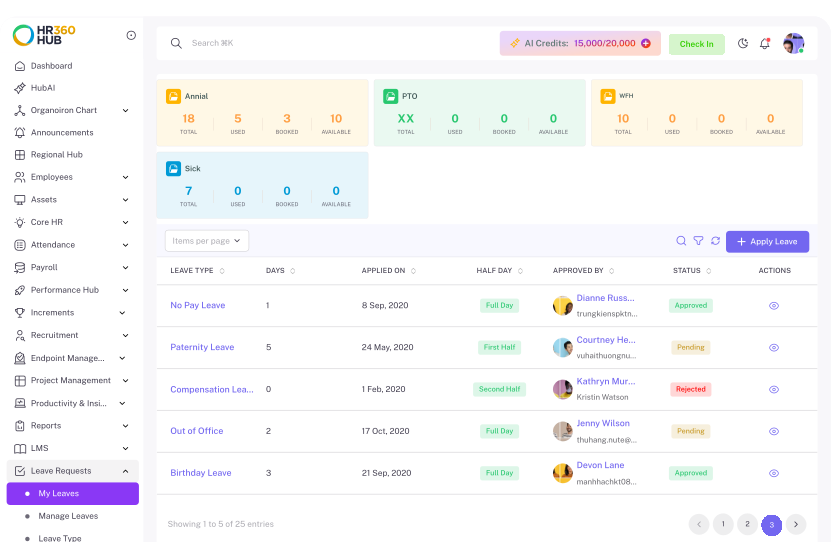
Leave Balance
Track total, used, booked, and available days per leave type so employees always know exactly where they stand before applying.

Leave Requests
Apply for full-day or half-day leave in seconds, with leave count auto-calculated and a running history of all past requests.

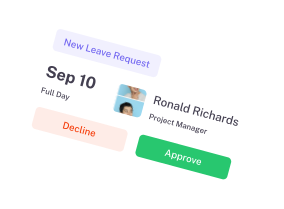
Approval Management
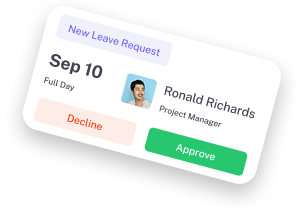
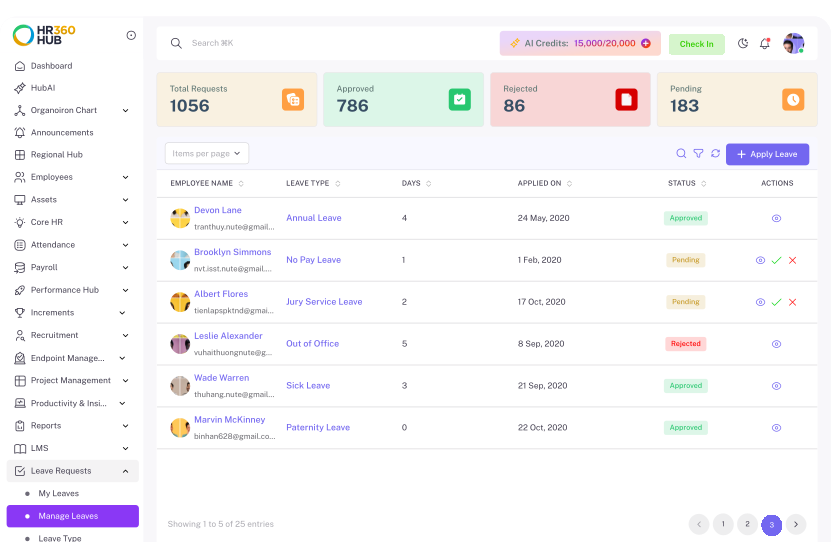
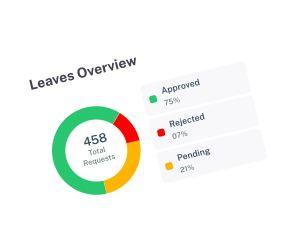
Review pending requests, approve or reject in one click, and monitor pending, approved, and rejected totals from a live summary dashboard.

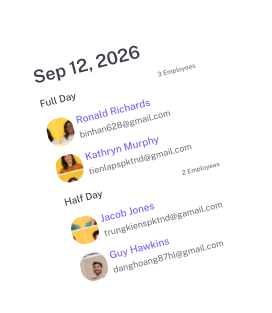
Team Visibility
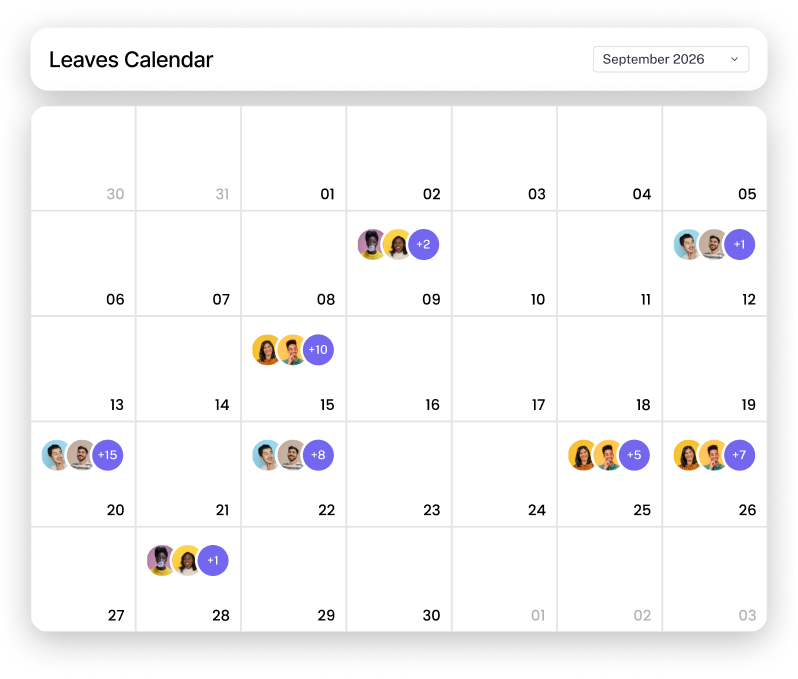
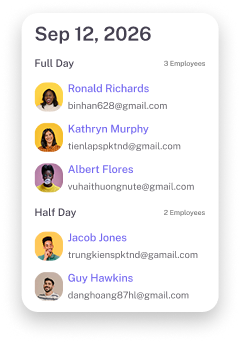
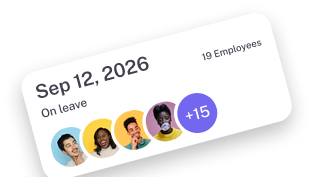
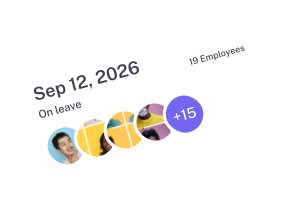
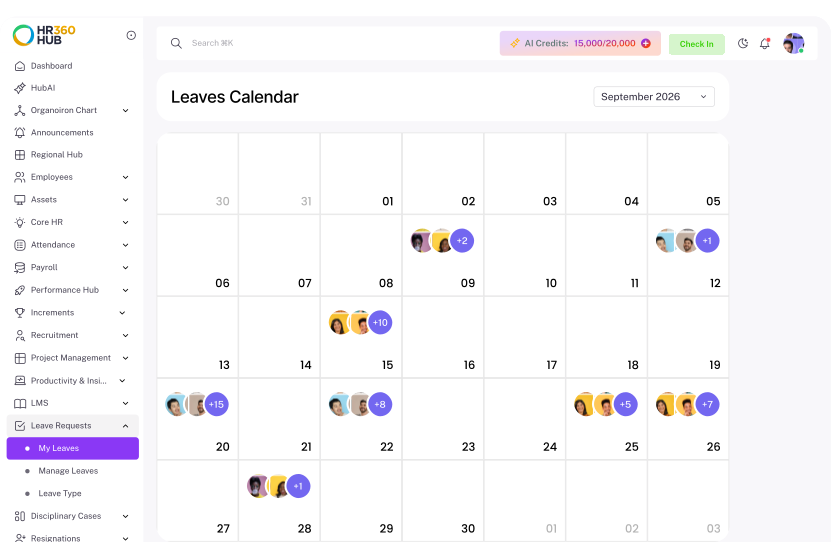
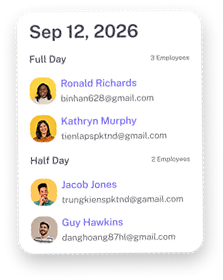
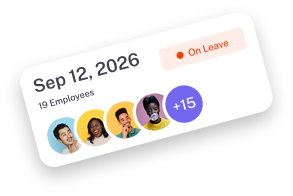
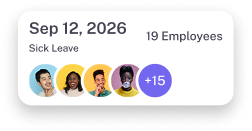
See who is on leave and when from an org-wide calendar view, so managers can plan coverage before approving the next request.

Leave Policies
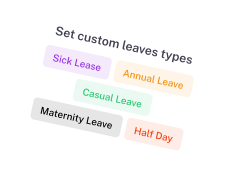
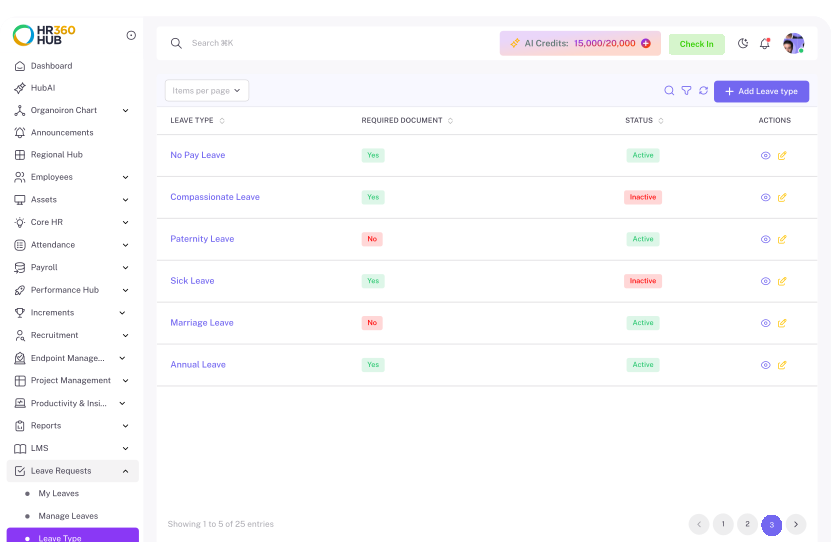
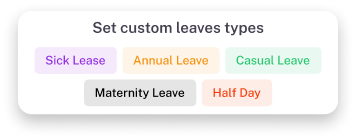
Define leave categories, paid or unpaid rules, half-day permissions, document requirements, and country-specific annual entitlements.
Know Exactly Where You Stand
View your leave balance, used days, remaining days, and leave history across different categories. Employees always know what is available before requesting time off.
Keep Every Leave Request Organized
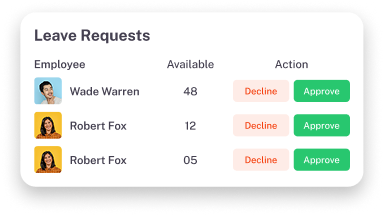
Review incoming requests, check leave details, and manage approvals from a centralized workspace designed for faster decision-making.
See Every Absence Before You Decide
View your leave balance, used days, remaining days, and leave history across different categories. Employees always know what is available before requesting time off.
Configure Leave Around Your Policies
Create and manage different leave categories, allocations, and rules to match your organization's requirements.
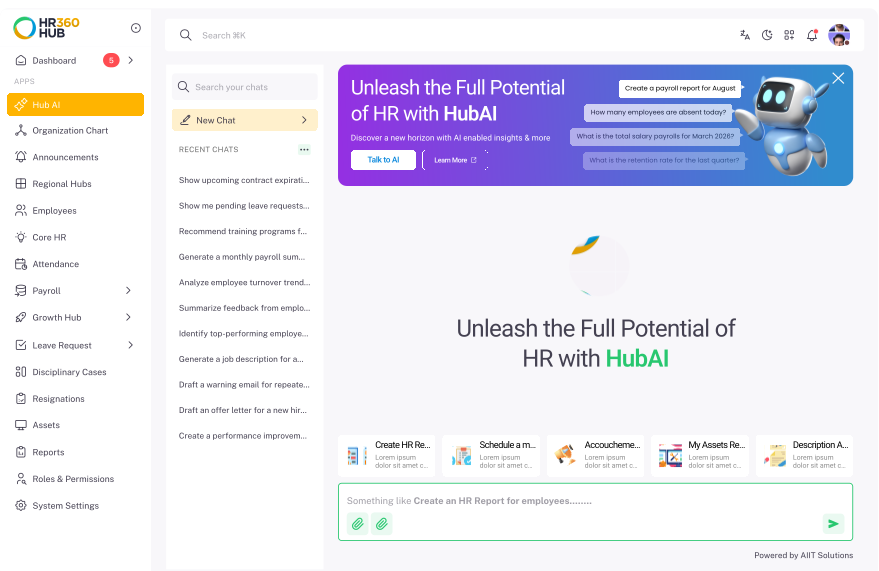
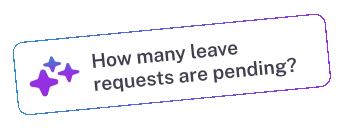
Ask Hub AI anything about leave
View your leave balance, used days, remaining days, and leave history across different categories. Employees always know what is available before requesting time off.
A Leave Process That Works for Everyone
HR360Hub runs every step between an employee's request and their updated leave balance, with no manual work needed at any point.
Employee Submits a Request
Employees choose their leave type, set start and end dates, and add a reason if they want to. The system works out the number of days for them.
Request Reaches the Manager
The request appears in the manager's Manage Leaves queue. It shows the employee's name, leave type, days requested, and their full request history in one view.
Manager Approves or Rejects
Managers decide from the same list with a single click. There are no extra screens to open. The employee is notified as soon as the manager acts.
Balance Updates on the Spot
The approved days come off the employee's balance straight away. Total, used, booked, and available counts all update without anyone touching a spreadsheet.
Everyone Stays in the Picture
Employees check their status in My Leaves. Managers use the leave calendar to see who is out and when. HR watches the whole organisation from the summary dashboard.
Leave Management
Without the Spreadsheets
HR360Hub handles the admin side of leave so employees spend less time chasing balances and HR spends less time answering questions about them.

Frequently Asked Questions
Have more questions?
HR360HUB Leave Management is a cloud-based system that handles employee leave requests, approval workflows, balance calculations, and holiday calendars in one place.
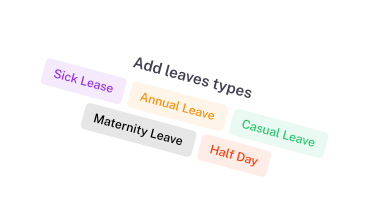
Yes. You can define custom leave types (Annual, Sick, Casual, Maternity, Paternity, Study Leave) with specific accrual frequency, carry-over limits, document upload rules, and probation period restrictions.
Approved paid and unpaid leaves automatically sync with HR360HUB Payroll module. Unpaid leaves or Loss of Pay (LOP) days are factored directly into salary calculations without manual spreadsheet exports.
Yes. Managers receive instant notifications on mobile and web platforms and can approve, reject, or comment on leave requests with a single click.
Yes. The Manage Leaves section includes a calendar view that gives HR managers and Super Admins an org-wide picture of employee absences, helping them spot coverage gaps and plan resourcing before approving new requests.
Yes. HR360HUB supports full-day, half-day (first half or second half), and hourly leave requests so employees can request exactly the time they need.
 Book a demo
 Ready for a Smarter HR?
Stop wasting hours on repetitive HR tasks. Let HubAI automate daily operations, generate instant reports, and simplify workforce management from one platform.